Click it locked.
Keep the Mac awake.
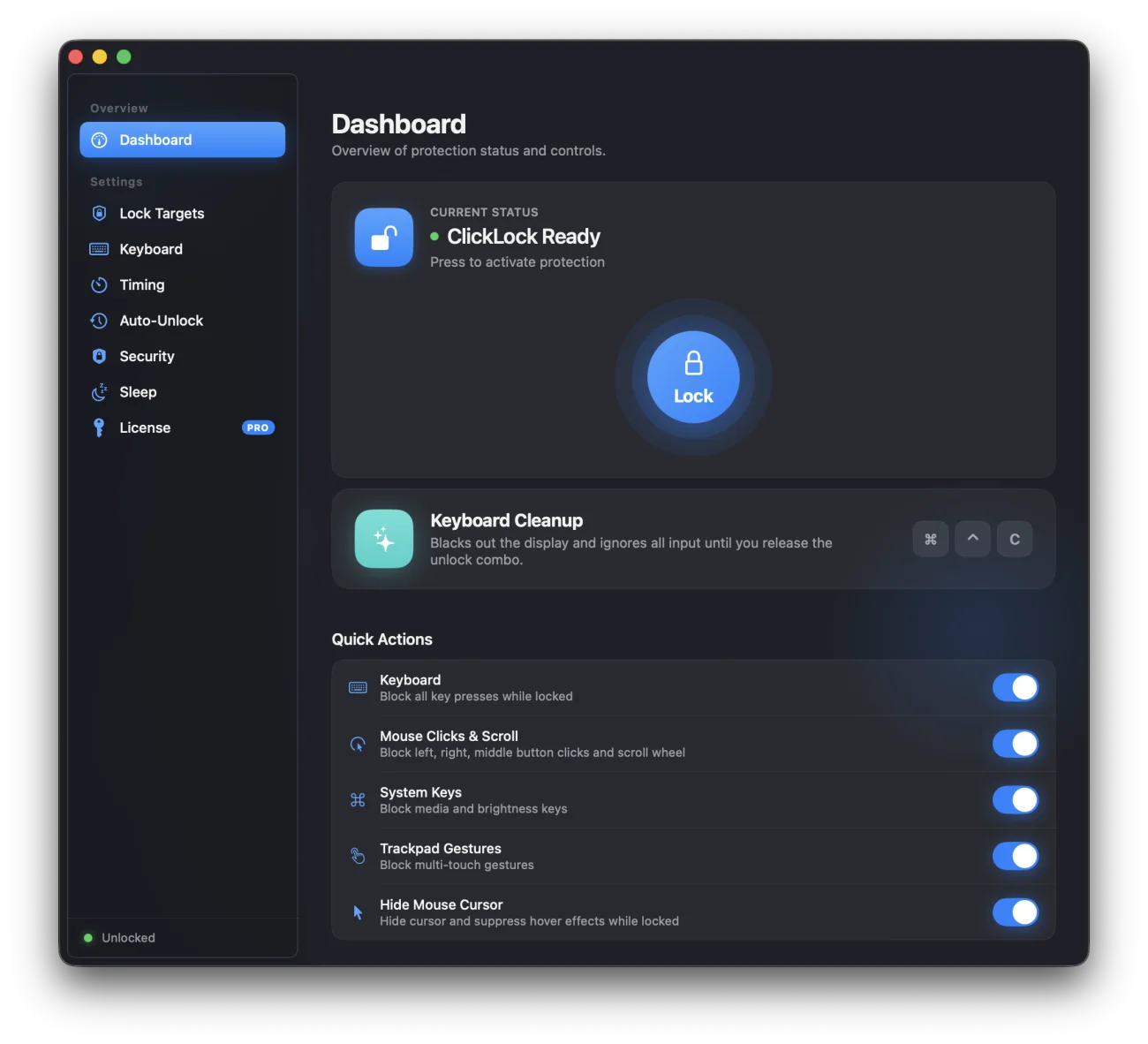
Lock & Go freezes your keyboard, mouse, trackpad, and system keys the instant you tap the dial — no sleep, no sign-out, no stray input. Only your secret combo, Touch ID, or password lets it go.
Three moves, in this order
Arm it, walk away, release it — the state machine that runs under every lock.
Choose targets, then tap
Pick which inputs to freeze — keyboard, mouse, trackpad, system keys — or trigger an optional countdown to clear your hands first.
Everything freezes but the Mac
Selected inputs go dead. The display stays lit, sleep is suppressed, and a small floating badge confirms the lock is holding.
Prove it's you
Hold your modifier-key combo for a set duration, or authenticate with Touch ID / password — whichever you configured.
Every switch on the panel
Nothing is bundled — pick exactly which inputs and safeguards apply.
Independent lock targets
Toggle keyboard, mouse clicks & scroll, trackpad gestures, system keys, and cursor visibility one at a time.
Custom unlock combo
Hold a modifier-key combination for 1–10 seconds. Build it from checkboxes, or record it live and store it as-is.
Touch ID / password gate
Require real authentication before release — the combo alone becomes a convenience, not the only line of defense.
Starting countdown
A 0–30 second animated countdown before the lock engages, so your hands are clear of the keys when it does.
Sleep stays suppressed
The Mac stays awake for the whole time it's locked, then resumes its normal sleep schedule the moment you release it.
Global hotkeys
Trigger a lock from anywhere in macOS — the shortcut fires even while Lock & Go is already engaged.
This isn't a toy latch.
A lock that anyone can flip back off with one click isn't a lock — it's a suggestion. Lock & Go's release path is built the same way the rest of macOS gates sensitive actions: something you know, or something you are.
The panel you'll actually use
Native SwiftUI, built to sit exactly where the rest of macOS expects it.


 Back to NeinLabs